
1. Create your AdMob account here:
Create new Interstitial and/or Banner Ads there.
2. Open strings.xml in folder app > res > values.
Place your App ID, Interstitial ID and/or Banner ID in their corresponding places.

-------------------------------------------------------------------------------------------------
WARNING: "You should always use test ads* when developing and testing your app--testing with live production ads is a violation of AdMob policy and could cause your account to be suspended"
*Current AdMob IDs inside project are for test ads. Use them to test ads before you change to live ad IDs.
-------------------------------------------------------------------------------------------------
3. Open your home activity (Home with Drawer, Top or Bottom Tabs),
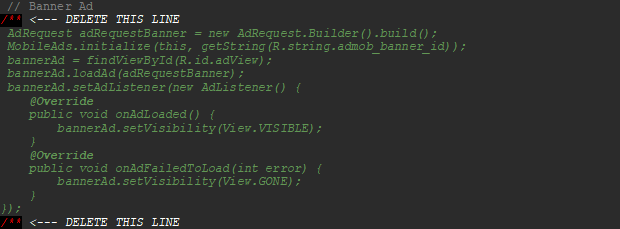
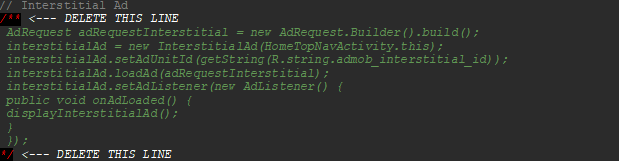
and uncomment ad type you want to use:
For Interstitial Ad:
For Banner Ad: